Play free retro games
-
Honk! New
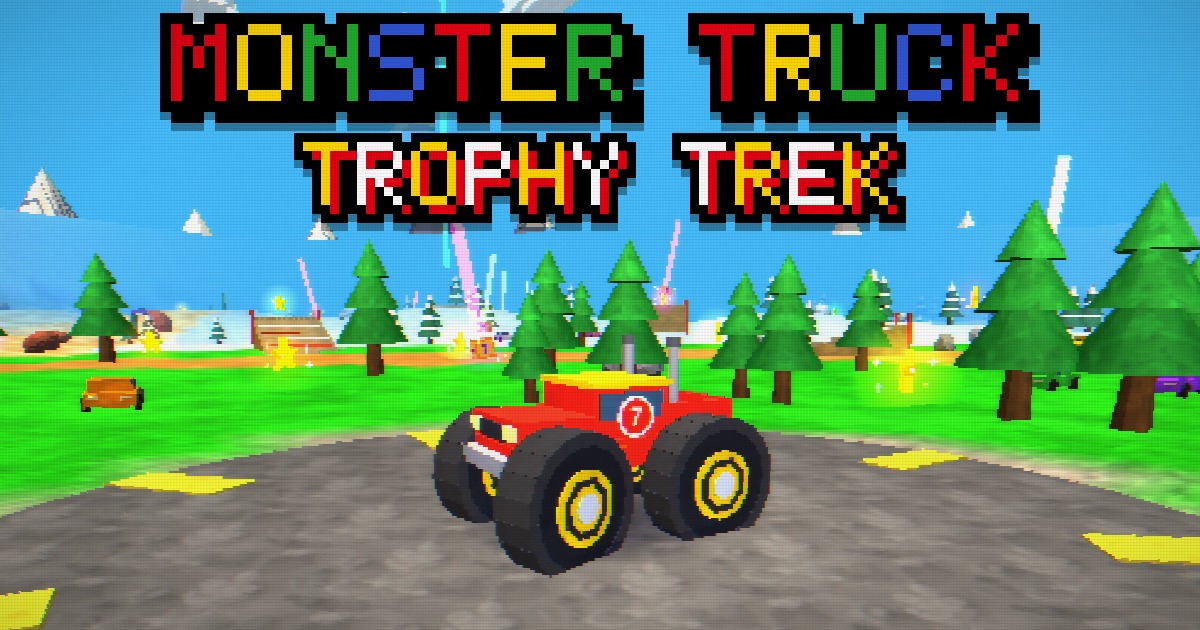 About & how to play Monster Truck Trophy Trek
Monster Truck Trophy Trek
Build a monster truck, then drive it around wild arenas hunting for golden trophies and surprise boxes.
Play Monster Truck Trophy Trek -
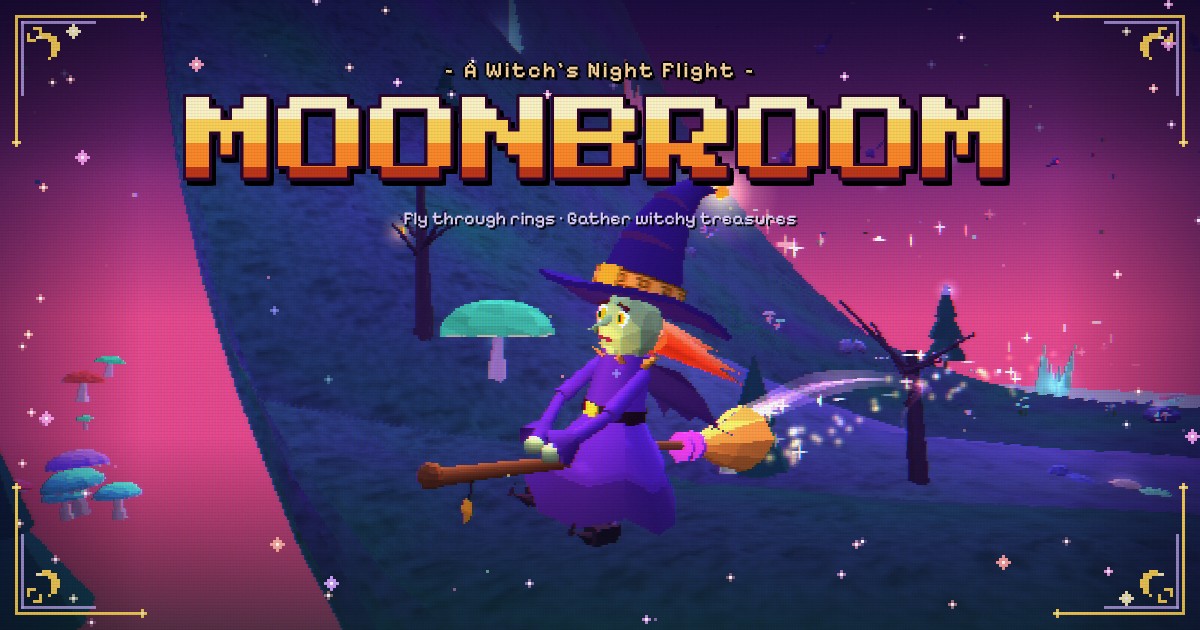 About & how to play Moonbroom
Moonbroom
A Witch's Night Flight
Soar through magic rings, collect witchy treasures that transform your look, and meet owls, wolves and ghosts along the way.
Play Moonbroom
Save the Arcade as an App
Every game, one tap away
Add Gander Games Arcade to your home screen. It opens fullscreen like an app, with no browser bars, and new games appear in it automatically.
How to Play
Every Gander Games Arcade game plays instantly in your web browser in three steps.
Choose a game
Browse the cartridges above and pick the one you want to play.
Press start
Tap Play, or use the arrow keys and Enter, or a controller's D-pad and A button.
Play in your browser
The game opens right away with nothing to install. Its pause menu shows the controls and settings.
Frequently Asked Questions
What is Gander Games Arcade?
Gander Games Arcade is a free collection of N64-style retro games that run in a web browser. It is made by Gander Games and currently has 2 free games.
Are the games free to play?
Yes. Every game in Gander Games Arcade is free. There is nothing to buy and no account to create.
Do I need to download or install anything?
No. The games run directly in your web browser, so you can start playing in seconds. If you like, you can also save the arcade to your home screen so it opens fullscreen like an app.
Can I save Gander Games Arcade as an app?
Yes. Gander Games Arcade can be saved to your home screen, dock or desktop in Safari on iPhone, iPad and Mac, and in Chrome, Edge and Samsung Internet. Tap the Save the Arcade button on this page for steps for your browser. The saved app opens fullscreen with no browser bars, and new games show up in it automatically.
Do the games work on phones and tablets?
Yes. The games are built for phones, tablets and computers. They use touch controls on mobile and keyboard controls on desktop, in modern browsers such as Chrome, Safari, Edge and Firefox.
Can I play with a game controller?
Yes, in browsers that support controllers. You can browse this arcade with a gamepad, and many games support controller play and list their controls in the pause menu.
What does N64-style mean?
N64-style describes games that borrow the look of late-1990s 3D console games: low-poly models, pixelated textures, chunky pixel fonts and a soft CRT-screen glow. Gander Games Arcade recreates that retro feel with modern web technology.
How often are new games added?
New games are added as they are finished. The newest game always appears first in the list, marked with a Honk! New badge.
About the Arcade
Gander Games Arcade is the games collection from Gander Games. Each game is an original, free retro browser game designed and built by the Gander Games team, with low-poly graphics, pixel art and controls that work on touch screens, keyboards and gamepads.
2 FREE GAMES · UPDATED